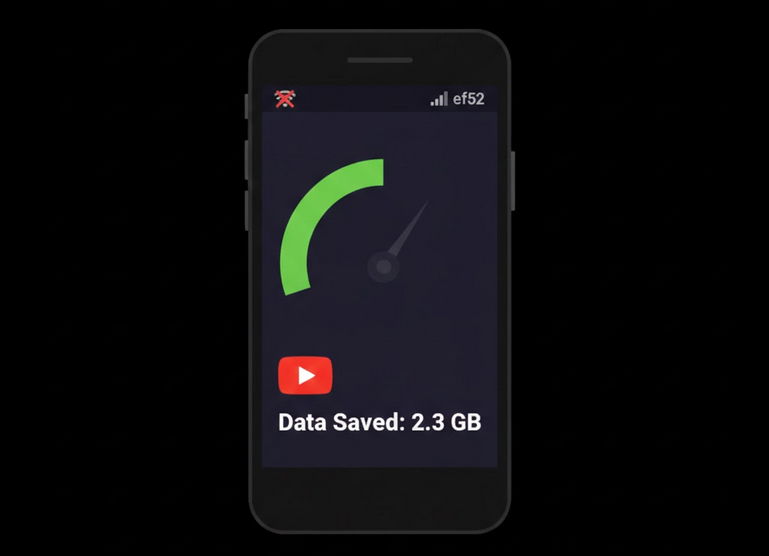
It can be stated that YouTube is one of the most costly apps when it comes to mobile data consumption. In order to watch certain videos on YouTube you will need a lot of mobile data even at the lowest possible resolution. Several videos will require really a huge amount of mobile data. And it’s very important to understand how the data is consumed by YouTube and to manage it.
How Much Mobile Data Does YouTube Consume?
Depending on the video resolution.
- 144p: 30-60 MB per hour. The lowest resolution, suitable for audio video.
- 240p: 70-150 MB per hour. Low resolution, good for small screens.
- 360p: 150-350 MB per hour. Average quality.
- 480p: 350-700 MB per hour. Standard resolution.
- 720p: 700 MB to 1.5 GB per hour. Good quality with clear images.
- 1080p: 1.5 to 3 GB per hour. Full HD quality.
- 1440p and 4K: 3 GB and above per hour. The best quality.
Data Saver Mode in YouTube Application
There is an official YouTube application where you can use special mode that will reduce video quality when it understands that the data is used via mobile network. You can enable it in Settings->Video Quality Preferences selecting “Mobile data” for Data Saver.
How to Manage Mobile Data Consumption with YouTube Vanced?
With YouTube Vanced you will be able to set two different video qualities for mobile internet connection and Wi-Fi. For example, you can set mobile data quality to 360p, while Wi-Fi will use 1080p.
Also, YouTube Vanced will not show any ads in the application and thus no additional mobile data will be used for ads viewing. With Vanced MicroG you will receive the video quality of your choice.
How to Reduce Mobile Data Consumption with YouTube?
- Reduce default video quality to 480p or lower.
- Download videos in case of Wi-Fi connection in order not to use mobile data.
- Use ad blocking software that will block all ads and will save mobile data.
- Disable Autoplay feature because in this case YouTube will not start the next video automatically.
- Limit background data usage of YouTube in Android settings.
- In case of watching audio content, reduce video quality to the lowest since there will be no images.
Data Usage Monitoring
All Android devices have a special app that will allow to track data usage of each app. Go to Settings -> Network -> Data Usage. There you will be able to track YouTube data usage and to set alerts and limitations for current billing period.
Best Practices: WiFi vs Mobile Data
- HD video quality should be used only for Wi-Fi connections. 720p and higher only for Wi-Fi connections.
- Premiere downloading of videos with premium membership of YouTube and other applications in order to download videos via Wi-Fi and watch them offline.
- Do not stream long videos with mobile data usage. Only long movies, documentaries and other videos via Wi-Fi.
- Be smart when watching YouTube Shorts. They are short but they can consume huge amount of mobile data.
Who Will Benefit from Saving Mobile Data?
- The people with limited plans. Users with limited mobile data plan and want to manage data usage.
- Travelers. People who travel to other countries and want to minimize mobile data usage.
- People who want to save money on mobile data.
- Prepaid users who want to save their data for entire billing period.
Conclusion
Usage of mobile data on YouTube can be quite high. Implementation of the best practices will help you to reduce mobile data usage. Reduction of video quality of streamed via mobile, blocking ads, downloading via Wi-Fi – just a few things that will help you to save several gigabytes of mobile data per month. YouTube Vanced will help you to do all this and even more.